Do the results look realistic?
Yes. When Immopix replaces a grey sky with blue, for example, it adds matching clouds and adjusts light and shadows across the image so everything fits together. Around trees and roof edges you get clean transitions instead of the pixelated fringes you often see with quick manual retouching.
What we change, and what we never change
We enhance:
- Weather and sky
- Distracting objects in the frame
- Lighting and colours
- Garden and surroundings
We never change:
- The property itself
- Room sizes or proportions
- Architectural details
- Existing fixtures or furniture
Exception: With the virtual staging feature, we furnish empty rooms on request.
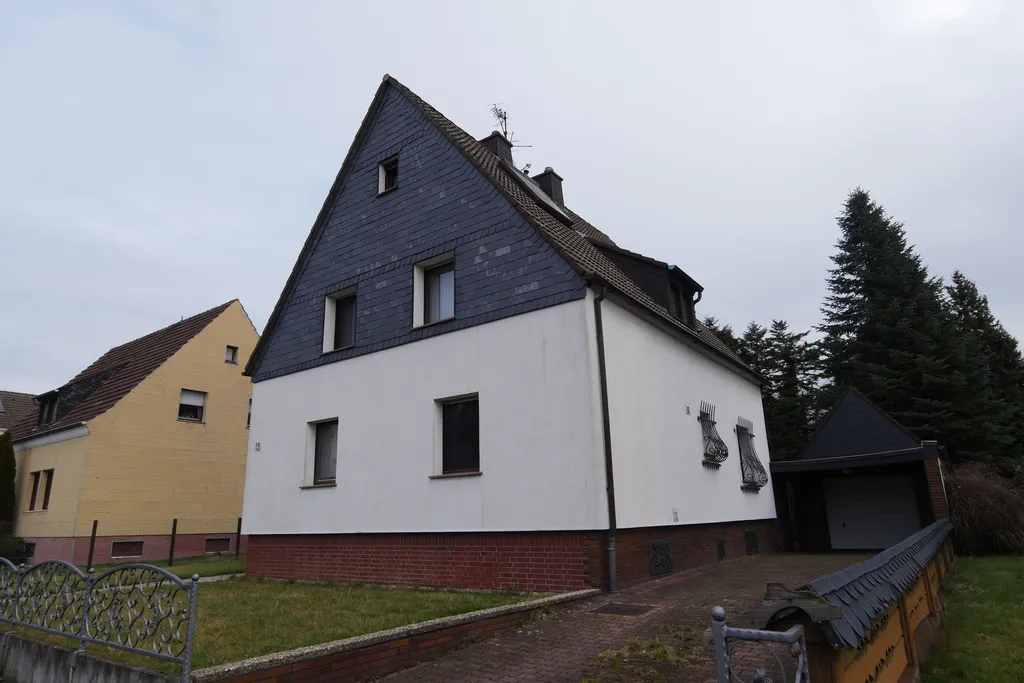
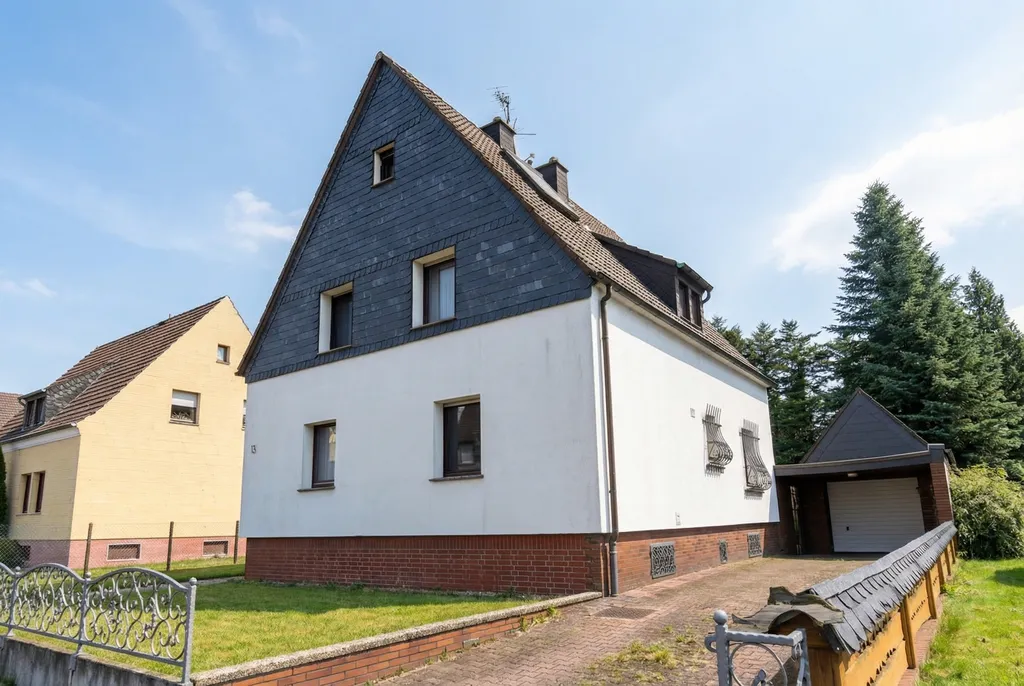
True to the original
Our enhancements only improve the presentation. The property stays exactly as it is. Buyers get a realistic impression, simply on the property's best day.
You receive the finished photos as high-resolution JPG files that work on all major property portals and in print. Before publishing, use the AI real estate photo quality checklist to compare the result with the original and decide whether to publish, revise or restore it.
A note on transparency
We recommend labelling AI-edited photos in your listings so buyers can see what changed. The EU AI Act may also require disclosure. New AI-edited JPEGs from Immopix carry C2PA Content Credentials and fallback EXIF data. Public verification tools do not currently trust our certificate's issuer. These records do not confirm that a photo is accurate or replace a visible note where one is required. Our legal FAQ explains the limits.