How does Immopix work?
Immopix is an online tool that enhances real estate photos automatically with AI. You upload a photo, choose an enhancement, and receive the finished result in about one minute. You do not need photo editing skills or any additional software.
Everything runs in your browser, with nothing to install, and works on office computers, laptops and smartphones alike.
Three simple steps
- Upload a photo. Select a photo in your browser or drag and drop it. JPG, PNG and HEIC are supported, and smartphone photos work without any conversion.
- Choose an enhancement. Click a preset such as "Improve weather", "Declutter" or "Furnish empty rooms", or describe what you want in your own words.
- Get the result. About one minute later your photo is ready to download and use in your listing.
For the finishing touch, click Edit below the photo. In the free
(/en/faq/image-editor/), you can crop the image or highlight an area without creating another revision.
What Immopix enhances
Immopix covers the typical jobs around property photos, from exterior shots to empty apartments.
Exterior photos:
- Weather: A grey sky is replaced with a blue sky and sunshine.
- Distracting objects: Bins, parked cars and scaffolding are removed.
- Garden: An unmown lawn looks well kept, and brown grass turns green again.
- Time of day: Dark shots become bright and inviting.
- Season: Autumn leaves are turned into summery green.
- Terrace & balcony: Empty terraces and balconies are furnished with outdoor furniture.
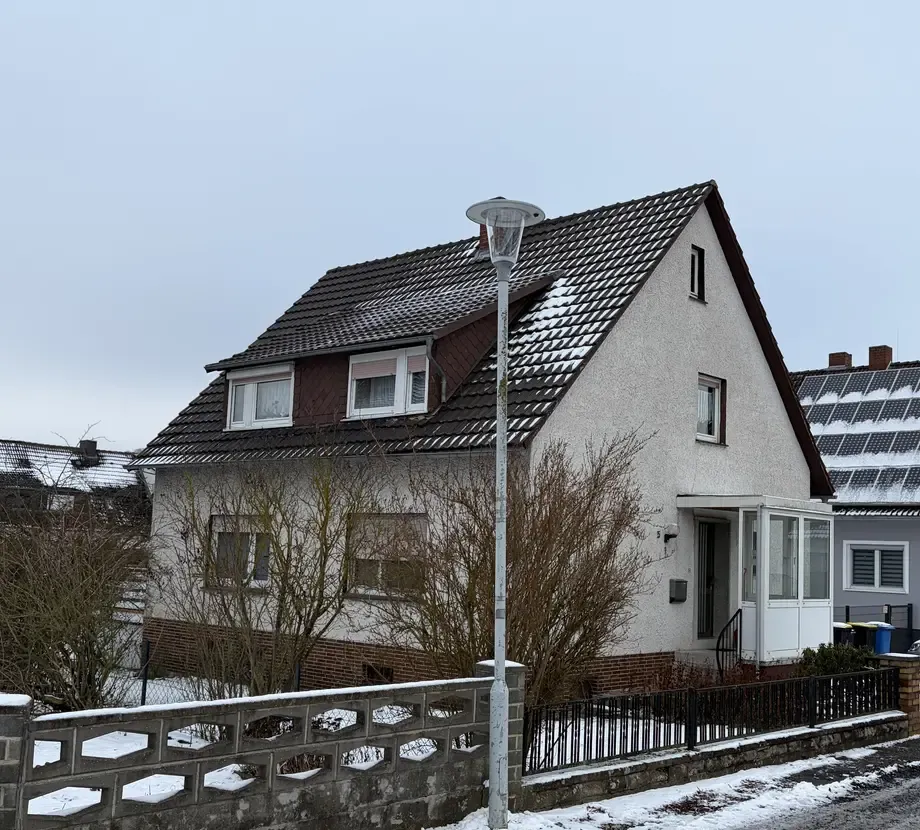
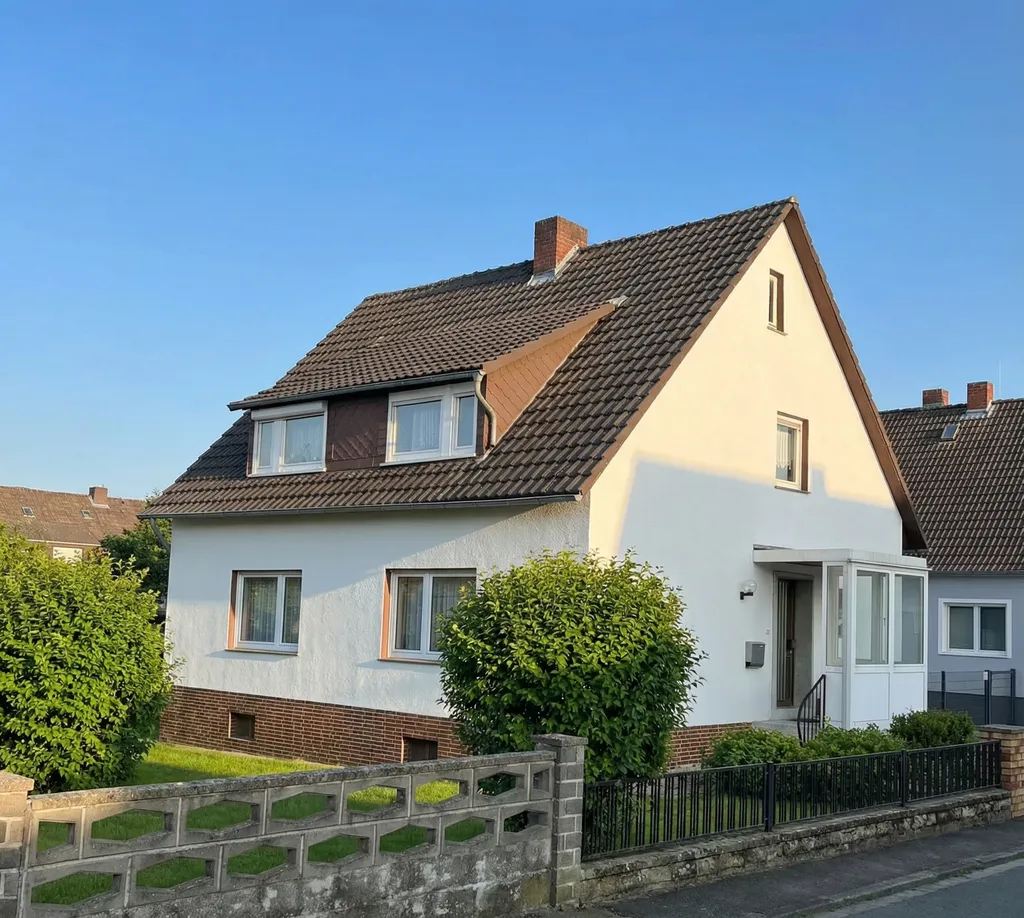
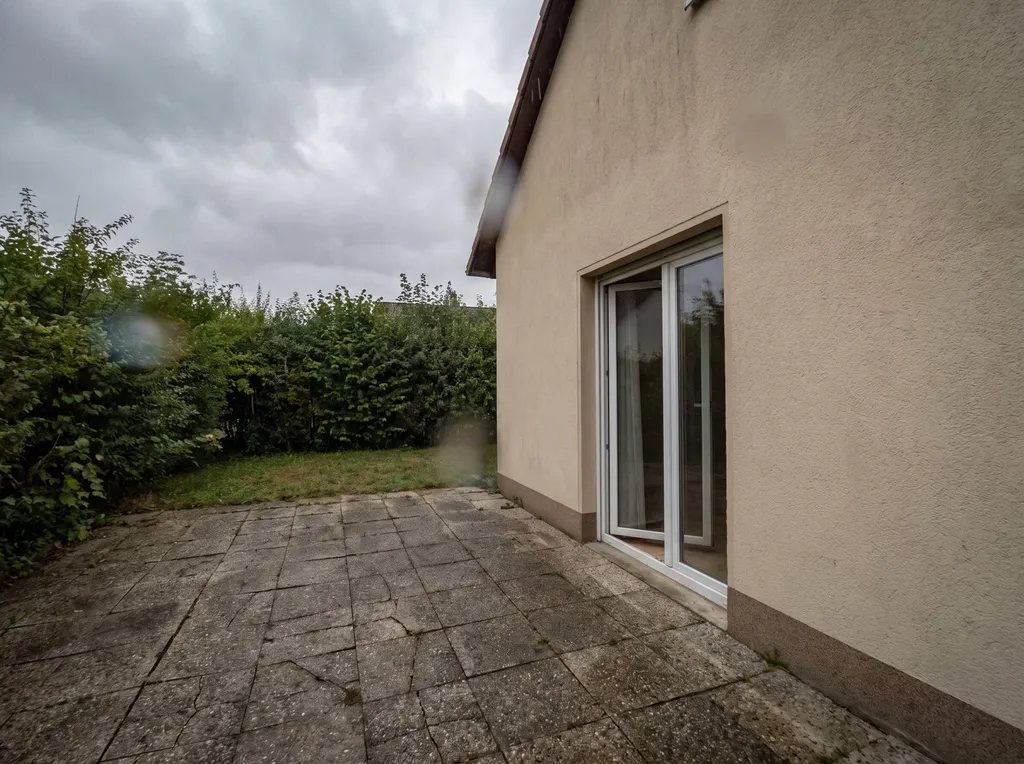
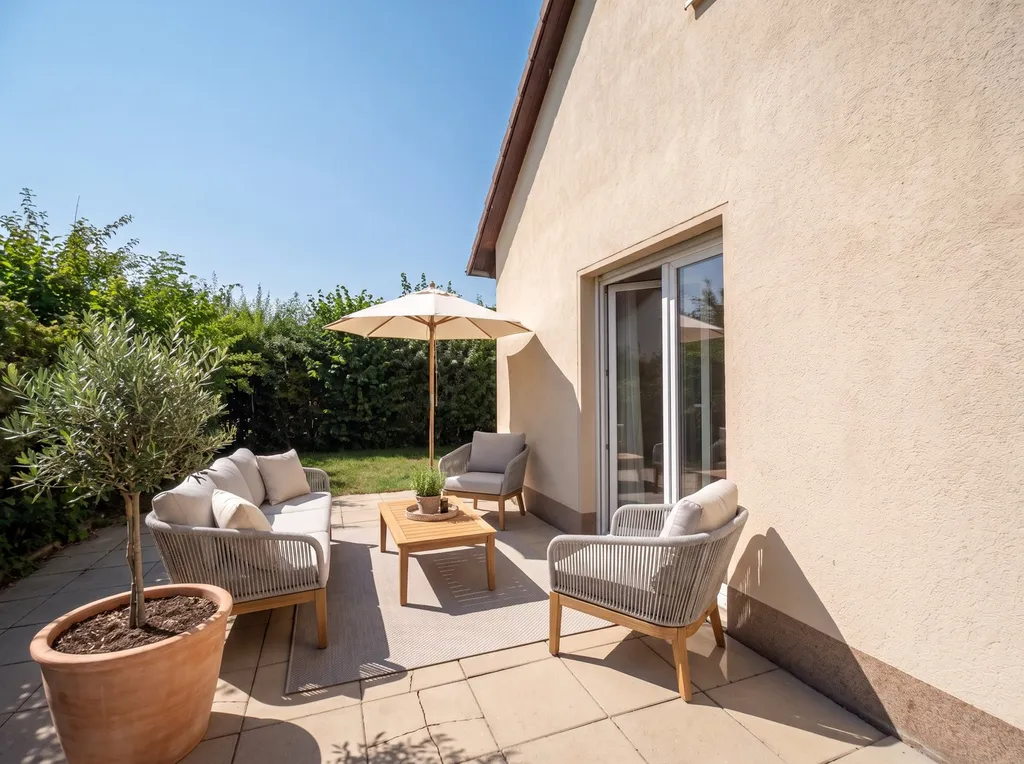
Interior photos:
- Lighting: Rooms become brighter and feel more welcoming.
- Decluttering: Small clutter disappears so the room looks tidy.
- Virtual staging: Empty rooms are furnished virtually in five styles (modern, Scandinavian, classic, country, industrial).
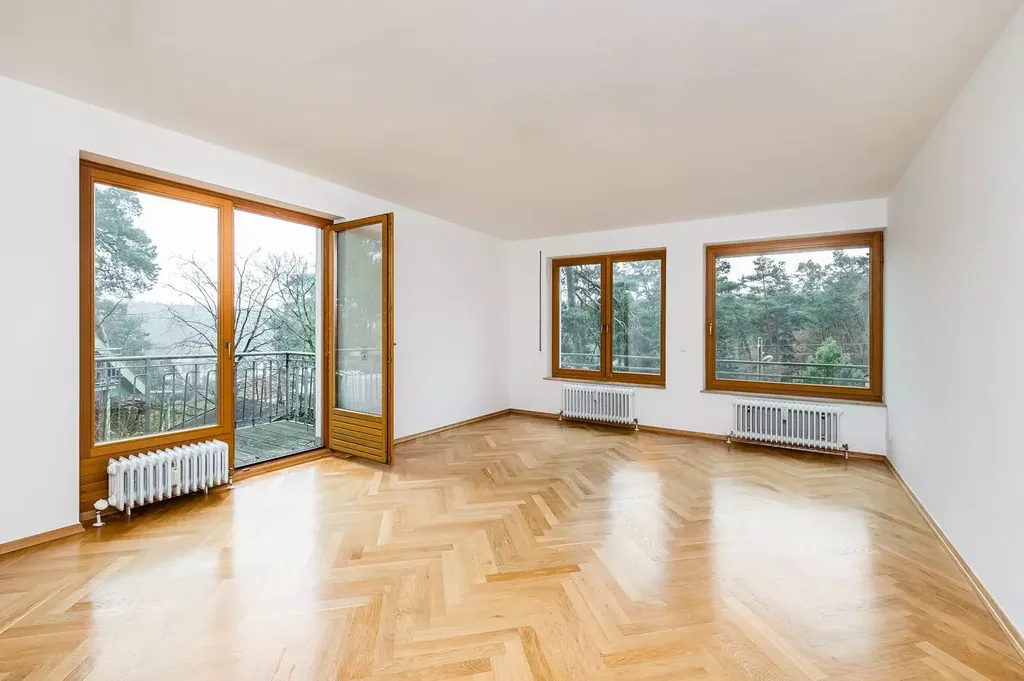
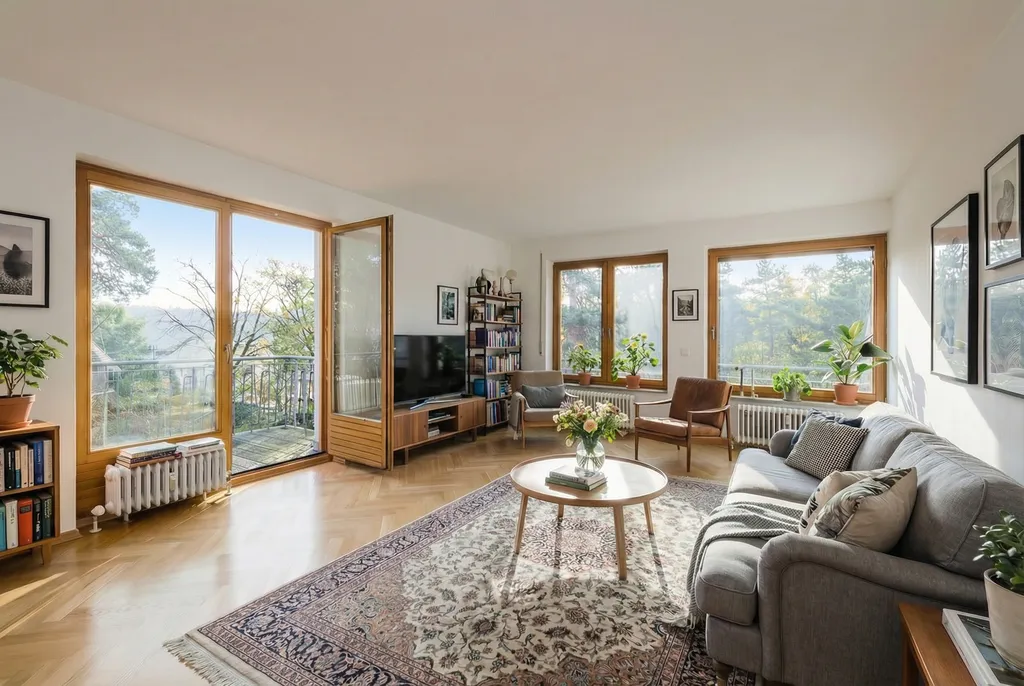
You can read more in Does Immopix work for interior photos and virtual staging?
Which photo formats work?
JPG, PNG and HEIC (the Apple default format) work directly. We recommend a minimum resolution of 1920 x 1080 pixels, and higher resolutions deliver better results. If you need 4K quality, you can activate the 4K option, which uses two credits per image.
There is also a batch feature that processes several photos in parallel.
How long does it take?
Usually about one minute per image. During busy periods it can take slightly longer. For batch jobs with many photos, the processing runs in the background and you receive an email as soon as everything is ready. See How long does editing take?
What happens to my photos?
Immopix stores your originals and results so that you can use them in your account. Selected service providers support storage, automated analysis, editing and quality assurance. Immopix does not use uploaded photos to train an AI model owned by Immopix.
You can delete individual photos and property folders in the dashboard. To request deletion of an account, email contact@immopix.ai. More information is available under How does Immopix handle my photos and personal data?
Revisions included
If a result is not quite right, you can rerun any photo with new instructions. Three revisions are included in the price of a credit. For example, you can replace only the sky on the first attempt and remove the bins on the second. A new credit is only needed from the fourth edit onwards.
What does Immopix cost?
Prices start at 9.99 € for ten images, so less than one euro per photo. There is no subscription and no notice period, and purchased credits never expire. The full overview is under How much does Immopix cost?
If you would like to try it first: your first 3 edits are free, with no credit card required.