AI Real Estate Photo Quality Checklist

Before publishing an AI-edited property photo, compare it with the original and check five things: fixed features, room proportions and viewpoint, the requested change, natural visual detail, and the export. Publish only when the property still matches. Revise a small, isolated defect once. Restore an earlier version when the edit changes the property itself.
Keep the original as the reference
The original photograph is the reference for the final decision. Keep it beside the edited version and compare what was present before the edit. If the original does not show a detail clearly enough to judge it, do not treat the edited version as reliable evidence of that detail.
Immopix's own feedback supports that comparison. In Immopix's May 2026 real estate photo study, altered or invented structural features were the largest single reason agents reported an AI revision: 34% of 224 reports. The reports were manually classified from free-text feedback, with one dominant theme assigned to each report. This is a self-selected German enhancement sample, not an EU market rate or a measure of all property listings.
A separate automated comparison flagged a possible structural change in 3.8% of 5,595 completed edits with a recorded result. That is a flag rate, not a confirmed-error or rejection rate. It also comes from the same self-selected German enhancement sample, so it cannot show how often these problems occur across EU listings.
The agent who knows the property should inspect the result, even when an automated check has accepted it. If the source image is already blurred, poorly framed or missing a key view, final QA cannot make it reliable. The earlier real estate photography checklist covers preparation and capture.
Apply this five-point publishing checklist
The five checks below separate a faithful correction from a result that needs revision or restoration.
| Check | What to compare with the original | Decision if it fails |
|---|---|---|
| Fixed features | Windows, doors, walls, stairs, rooflines, railings, fireplaces, paths and views | Restore if shape, count or position changed |
| Proportions and viewpoint | Room size, ceiling height, door and window scale, wall relationships and vertical lines | Restore if the result creates a different room or viewpoint |
| Requested change | The named edit and the details that were meant to stay untouched | Revise once if the miss is contained |
| Realism and consistency | Light direction, shadows, colours, textures, reflections and edges | Revise once if the defect is local and the property remains faithful |
| File and gallery quality | Crop, aspect ratio, resolution, readable text and consistency with related images | Revise once or export again if the issue is technical |
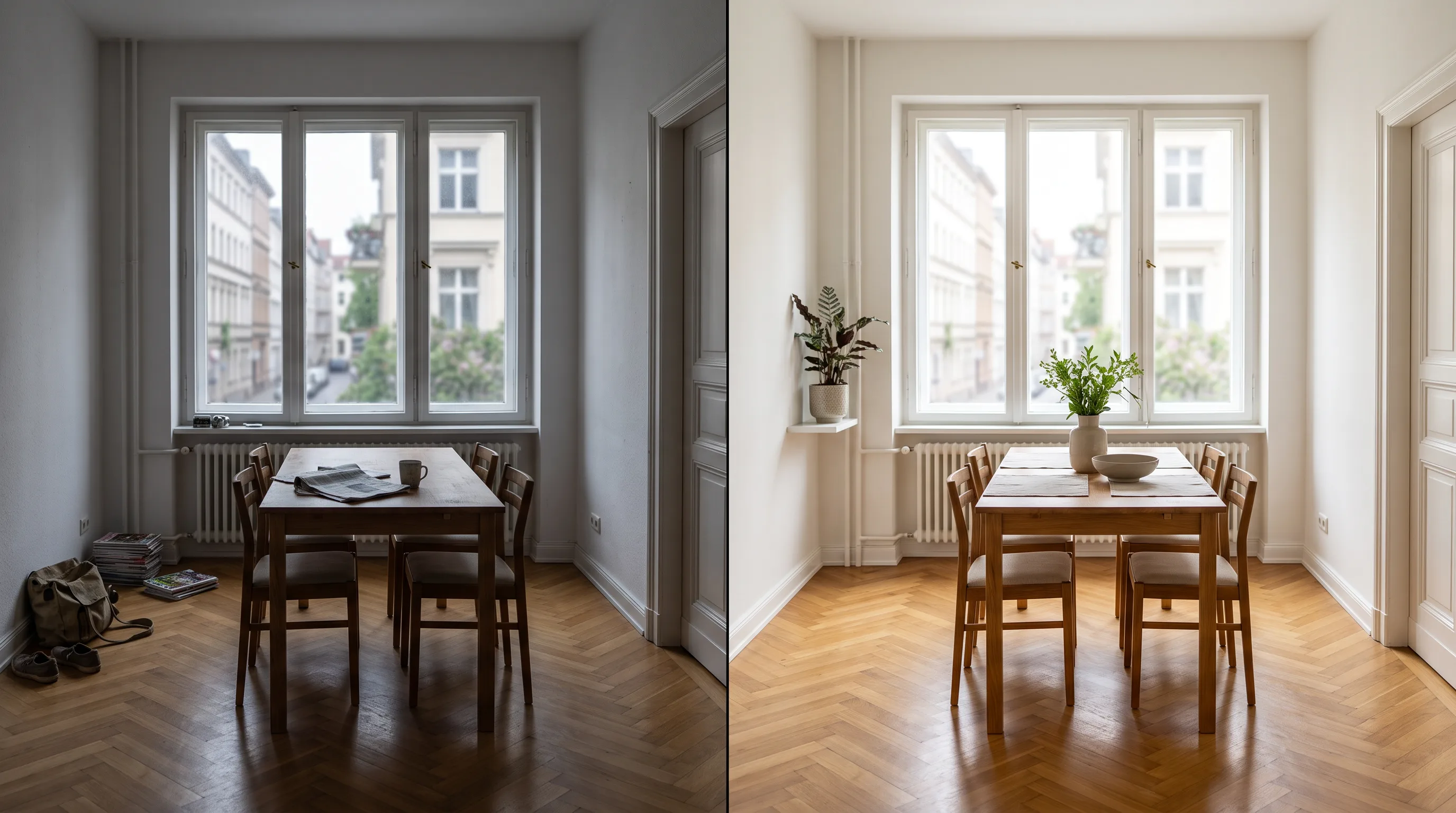
Changes in surface appearance can be intended. Exposure, colour correction, a level horizon, temporary clutter removal and virtual furniture may all alter pixels across much of the image. A change in the shape, count or position of a permanent feature is different. Correcting converging verticals should not add a window, extend a wall or reveal content outside the original view.
Inspect the result in a fixed order
Inspect the result in the same order each time, starting with the full frame before you examine small details.
-
Compare the full frame first. Put the original and result side by side, then flip between them. At normal listing size, ask whether it is still the same room, building or outdoor space from the same camera position. This comparison can reveal a changed layout, a missing boundary or a view that no longer fits.
-
Scan fixed structures and the edges of the scene. Check openings, staircases, balconies, rooflines, fireplaces, driveways, paths and anything visible through windows. Then look at their edges. A door that meets a wall at the wrong point or a railing with repeated sections can be easier to see in comparison than in isolation.
-
Check scale and perspective. Door and window sizes, ceiling height, wall relationships and vanishing lines should still make sense together. Straight verticals are useful, but straightening should not make a narrow room appear deeper or move the camera to a position where it was never placed.
-
Read the instruction against the result. Confirm that the requested change happened, then check the protected details. A request to improve light should not remove a view. A decluttering request should not replace paving, fixtures or a house number. Virtual furniture should fit the floor area and follow the room's perspective, light direction and shadows.
-
Inspect at normal size and at 100% zoom. At full size, look for softness, malformed edges, repeated textures, warped geometry, lost readable text, artificial colour and mismatched reflections. Then review the related gallery images together. Similar rooms and exterior shots should have compatible colour, crop and brightness, rather than looking as though they came from different properties.
When using Immopix's real estate photo enhancement tool, make this check part of the handoff from edit to portal upload. The result is ready for publication only after the agent who knows the property has compared both versions.
Use the outcome to publish, revise or restore
Base the decision on the type of difference you found. An attractive result still needs restoration if it changes the property.
-
Publish when the property remains the same, the requested change is visible, and the geometry, light, materials, readable details and file output remain consistent. Export the version you checked.
-
Revise once, with one specific request when the result is faithful overall but has a contained defect. Examples include a missed requested item, colour that is too strong, a soft edge around a removable object, or an unsuitable crop. Name one observable correction and repeat the details that must remain unchanged.
-
Restore when a permanent feature, room layout, proportion, view or other property-defining detail changed. Return to the original or the last faithful version. Do not try to patch an altered structure with another broad edit, because the next pass can introduce new differences.
This rule also applies when you are uncertain. A result that cannot be checked against the original should not become the listing image merely because it looks polished.
Keep revisions to the fewest necessary
State the intended changes early and name the details that must remain unchanged. Put the changes you already know you need in the first request instead of building a chain of broad revisions.
For example: "Remove the two bins beside the gate and improve the exposure. The house number, driveway, garage, roofline and view must remain unchanged." The instruction gives the edit a visible target and gives the later review a clear boundary.
If an otherwise faithful result needs another pass, make that request narrow and start from the original or the last faithful revision where possible. Repeated AI passes can overshoot, and chained edits can reduce image quality through added softness, changed textures or fresh geometry errors. For more instruction patterns, see how to write good editing instructions.
Recognise the limits of a final QA check
This review reduces avoidable publishing mistakes. It cannot prove that the image matches every detail on site or restore detail the original did not capture. It also cannot guarantee how a buyer will interpret the image or certify legal compliance. The realism FAQ covers what to expect from Immopix results and where those expectations stop.
Legal and disclosure decisions need their own review. For those boundaries, including when an edit may need a visible label, use the existing guide to AI real estate photo editing in the EU. Keep the original, the approved version and the instruction together so the agency can explain what was checked if a question arises later.
Frequently asked questions
What if I no longer have the original photo?
Retrieve the source file before approving a material edit. Without it, you can spot obvious visual defects but cannot confirm whether fixed features, proportions or views changed. If you cannot recover the original and a detail is uncertain, use an unedited version instead.
Can someone who has not seen the property approve the photo?
A colleague can check file quality and visible artefacts, but someone who knows the property should confirm permanent features, proportions and the view. If no reviewer can verify an uncertain change, return to the original rather than approving by appearance alone.
Can an automated warning make the publishing decision?
No. An automated warning is a prompt to inspect the result, not a verdict that the image is wrong. It may identify a possible difference, but it does not know whether that difference was intended, whether the image shows the real property, or whether the result fits the rest of the listing.
What should an agency retain after publishing?
Keep the original image, approved export and editing instruction. After a revision, keep the faithful version you returned to as well. The next reviewer can then see what changed and replace the result quickly if a problem is found later.