Which furniture styles can I choose for virtual staging?
Virtual staging offers five furniture styles: Modern, Scandinavian, Classic, Country style and Industrial. Use Your wishes to personalise a style or describe a different interior, such as a Japanese-inspired living room.
One room, different interiors
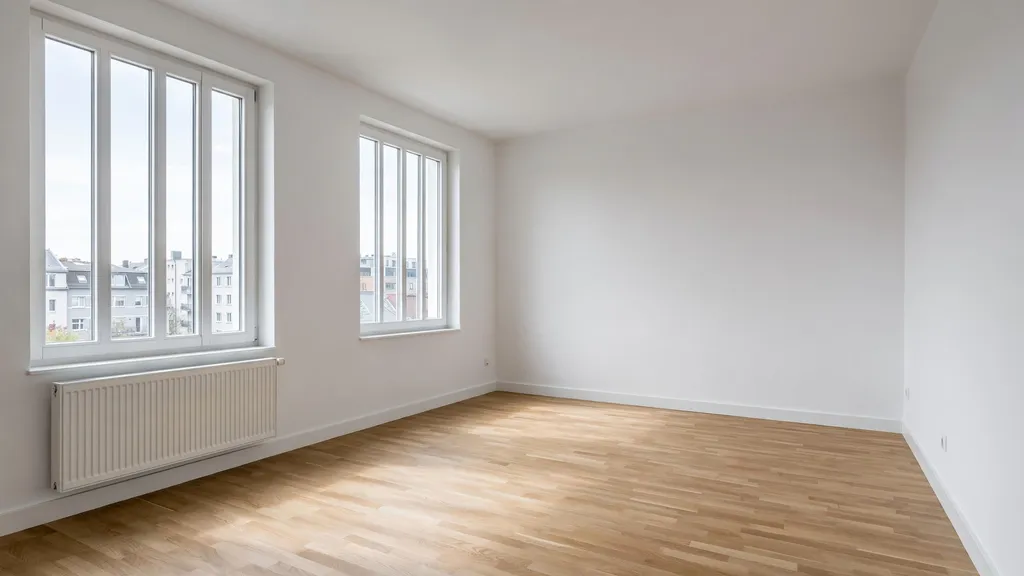
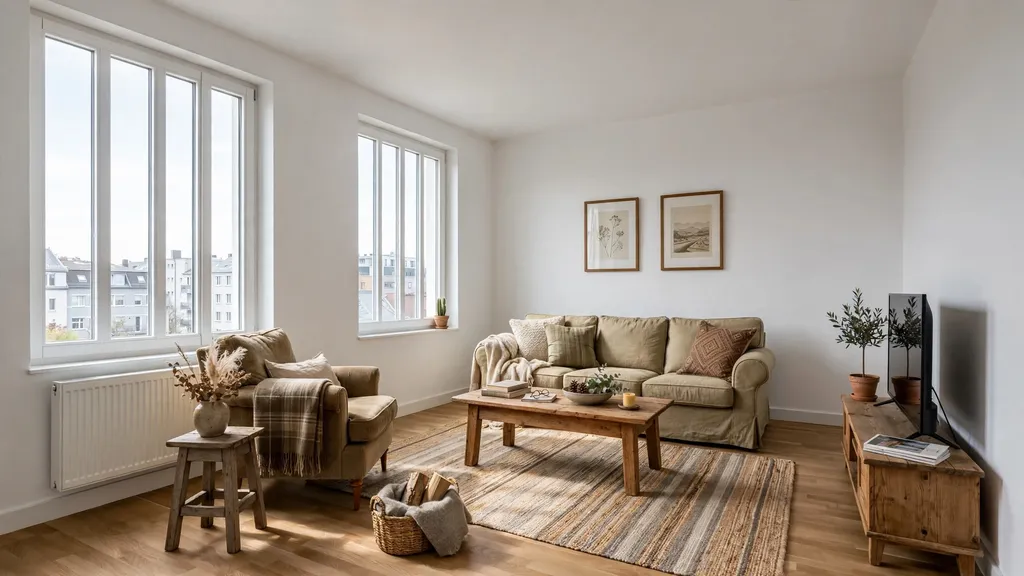
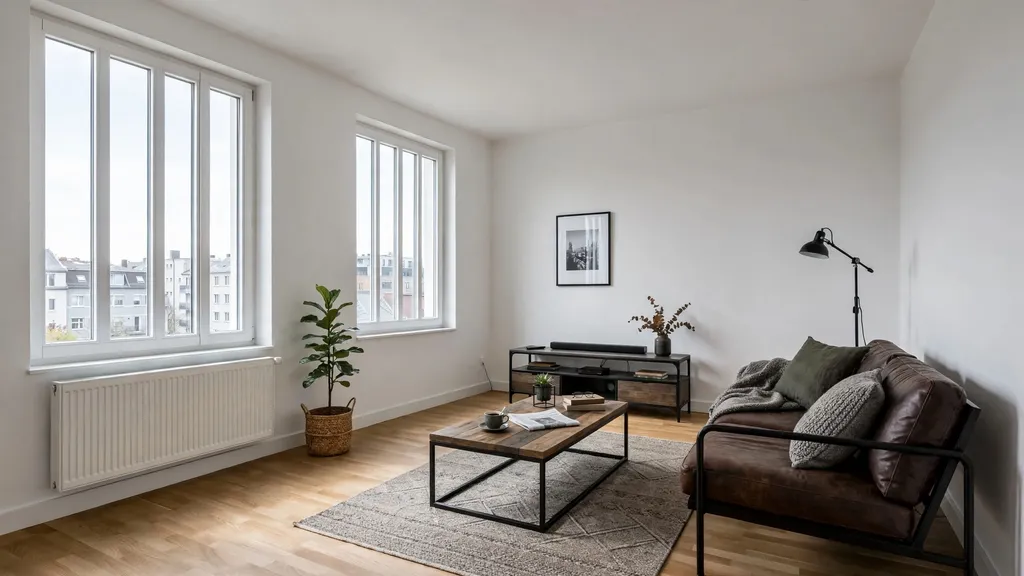
We created an empty sample room with AI, then applied each furnishing edit separately to that source image. The furnished images are also AI-generated. They show possible results; the furniture and layout may differ in your own photo.
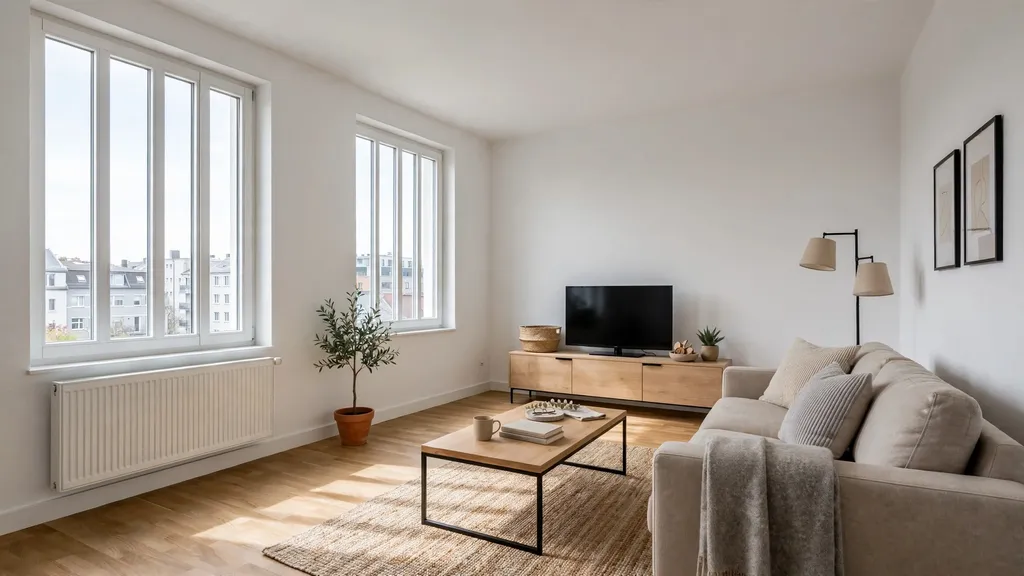
Modern
Clean lines, simple shapes and neutral colours define this style, with black metal frames adding contrast in this example.
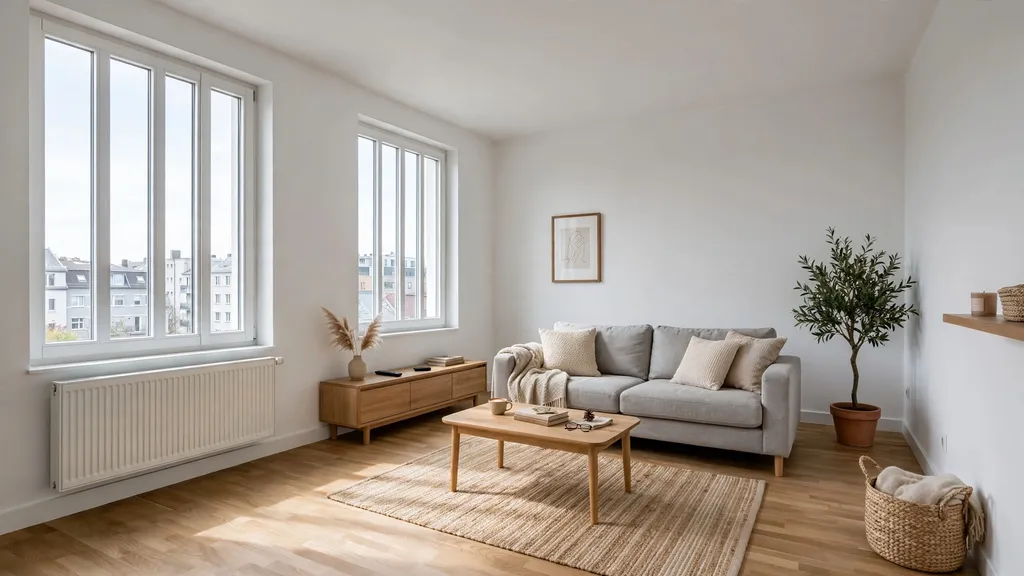
Scandinavian
Light woods and soft textiles give the room a comfortable feel. The furniture stays simple, with more emphasis on wood than in the Modern style.
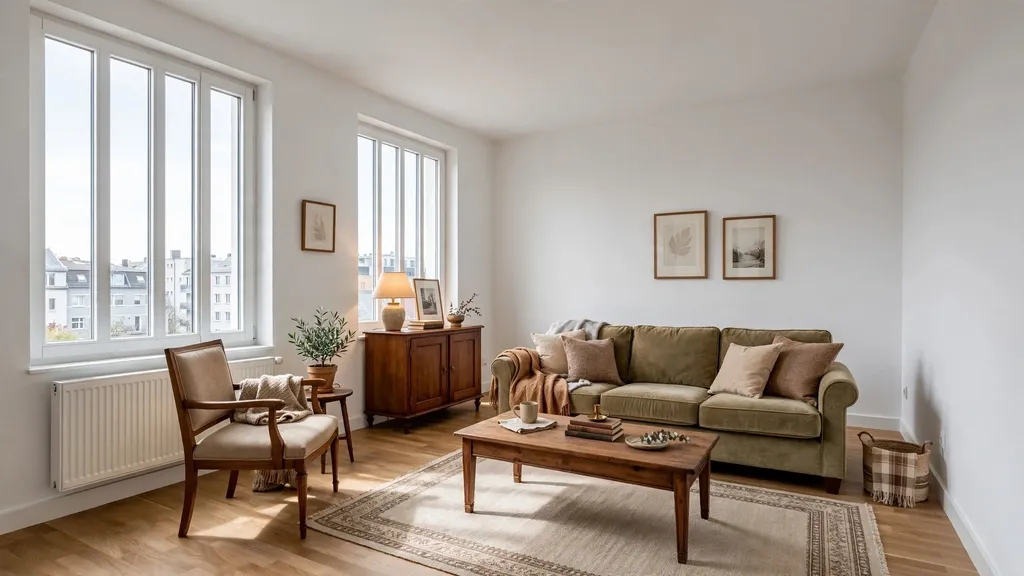
Classic
Warm wood tones and traditional furniture shapes define the classic interior. It can suit a period property, but you can also try it in a plain room.
Country style
Rustic wood, comfortable textiles and earthy tones are the main elements of this style.
Industrial
Metal frames, leather and exposed materials give the furniture an industrial character. You do not need brick walls or a loft layout to use it.
A Japanese-inspired room using custom wishes
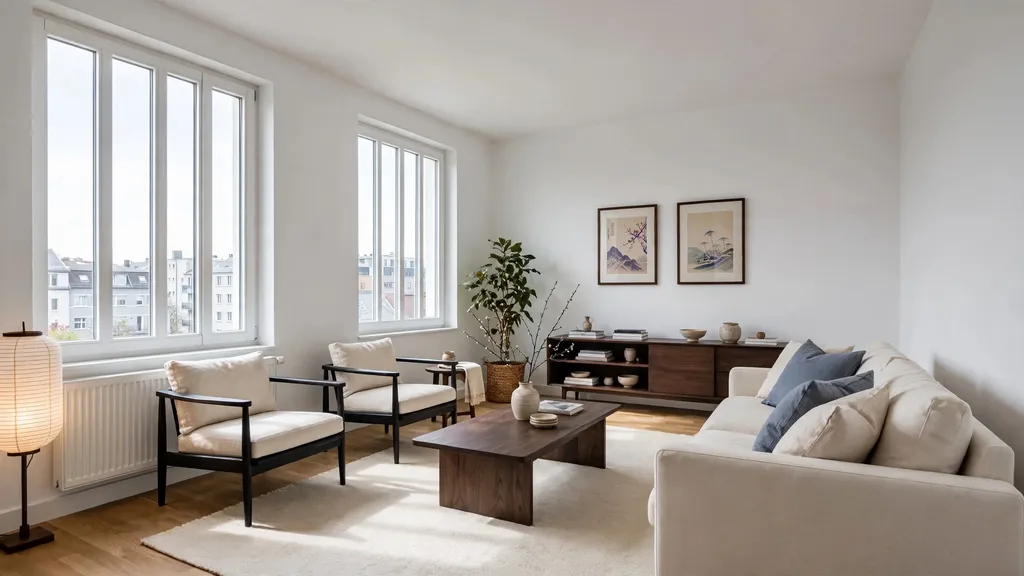
Japanese is not a preset in the menu. For this example, we selected No preference under Furniture style and entered the following under Your wishes. The original request was in German; this is its English translation:
Japanese-inspired, fully furnished living room: a generous cream sofa, two low armchairs with dark wooden frames, a low rectangular coffee table and a long dark-wood sideboard. Add a large light wool rug, a freestanding rice-paper lamp, a side table and a low open shelf with books and ceramics. Include linen cushions in cream and muted indigo, a ceramic vase with branches, a larger houseplant and two framed Japanese-inspired art prints. Comfortable and more fully furnished, with clear walkways and calm natural tones. No wall cladding or room dividers.
How to choose a style or add your wishes
- Open your photo, select Interior in the Presets tab, then enable Virtual staging.
- Choose one of the five options under Furniture style. With No preference, you can let the image guide the choice or describe the furnishings yourself.
- Add Your wishes if needed. The field is optional and accepts up to 2,000 characters. Click or tap the question mark beside it for help.
You can use a style alone, wishes alone, or both. Specific furnishing wishes take priority: choosing Scandinavian and adding “dark wooden table, no rugs” makes those details more important than the usual style defaults. The selected style still guides anything you leave unspecified.
Wishes apply to furniture and movable decor. They are not instructions to rebuild walls, floors, windows or the room layout. Before using the result in a listing, check that important room details have been preserved.
If your photo already contains furniture, you can also enable Replace furniture. See the interior photo and virtual staging guide for more, or read How do I write good instructions?.